Your 3D Scenes Become
Walkable Worlds.

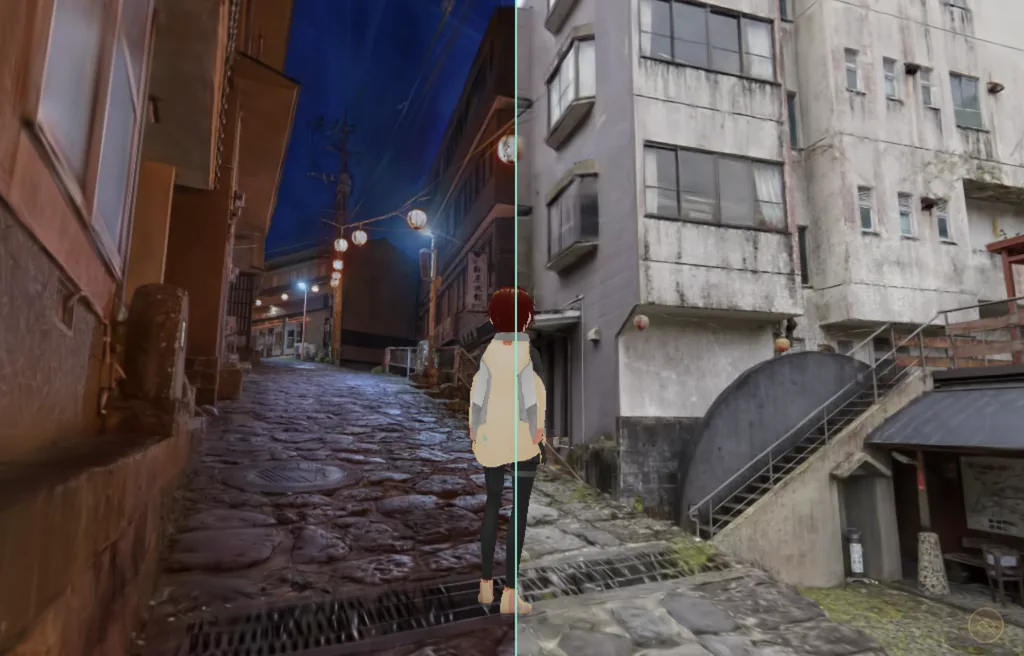
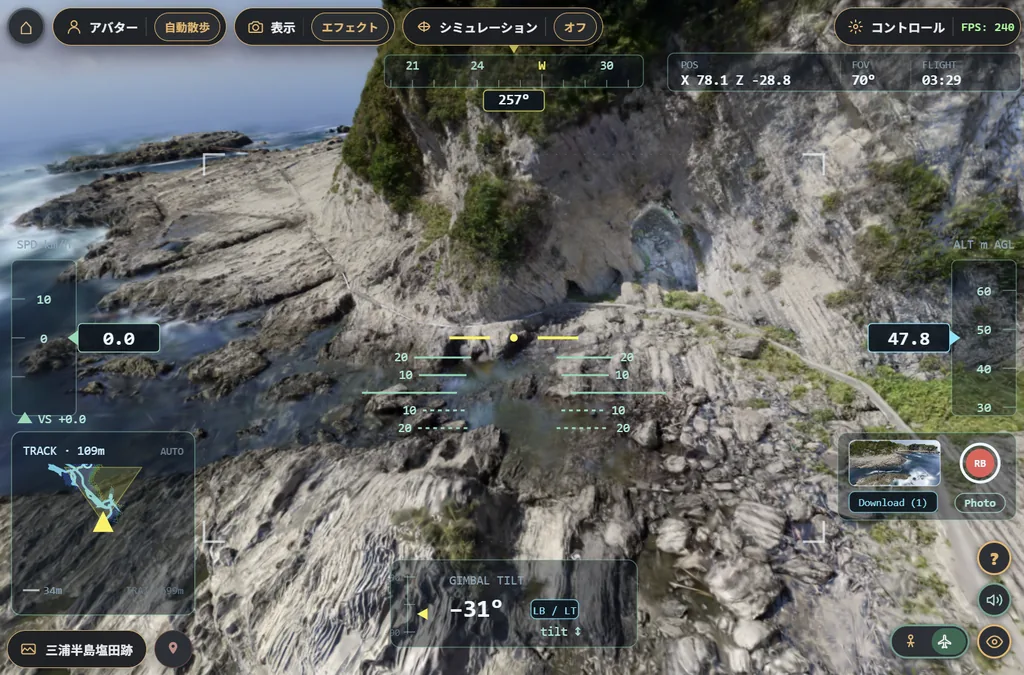
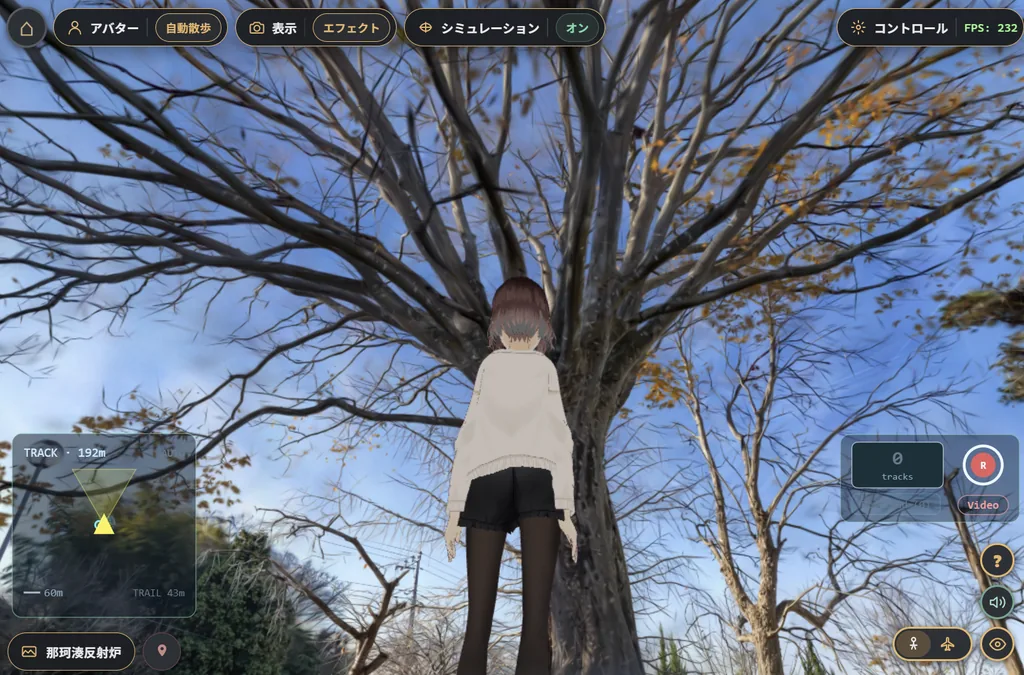
Walk through 3D Gaussian Splatting scenes with your avatar.
No installation required — runs entirely in your browser.

SplatStroll Avatar in 3 Steps

Get a walkable 3D space in just 3 steps.

1

Generate Data

Create 3D Gaussian Splatting data using your favorite tool — smartphone apps, PC software, and more.

2

Build the Space

Drag & drop a 3DGS file into the browser — it instantly becomes a walkable 3D environment.

3

Walk

Your avatar takes a stroll through the scene on your behalf.

Your Travel Photos, Your Garden, Your Favorite Café

Your memories become 3D spaces. Just drag & drop your 3DGS data (.ply / .sog / .spz / .rad).
No upload needed — everything is processed locally for complete privacy.

  • Walk through landscapes you captured on your travels
  • Bring your avatar to memorable places
  • Re-experience the atmosphere that photos and social media can't convey
Tip: Not sure how to create 3DGS data? Apps like Scaniverse and Polycam make it easy — even on a smartphone.
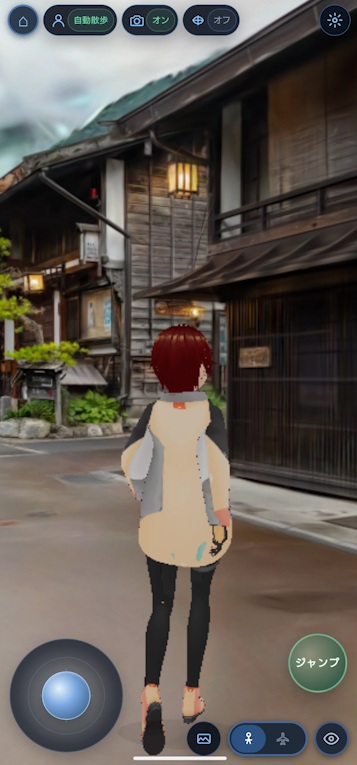
Mobile app screenshot

Key Features

Not just a viewer — a walkable 3D experience.

🚶

Auto-Stroll

The avatar walks on its own — navigating steps, avoiding walls, and finding scenic spots as if truly taking a stroll. The camera automatically switches to cinematic angles.

🎮

Manual Controls

Move freely with WASD / arrow keys, rotate the camera with your mouse. Jump is supported too. Touch controls available on mobile.

👤

Bring Your Own Avatar

Upload a VRM avatar to explore scenes with your own character. Real-time facial expressions, blinking, and eye tracking included.
* VRM 0.x / 1.0 supported (VRM 1.0 recommended)

📷

Photo Position Overlay

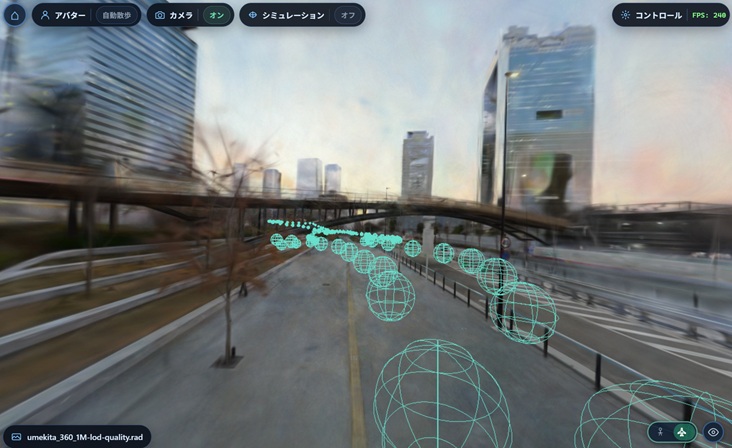
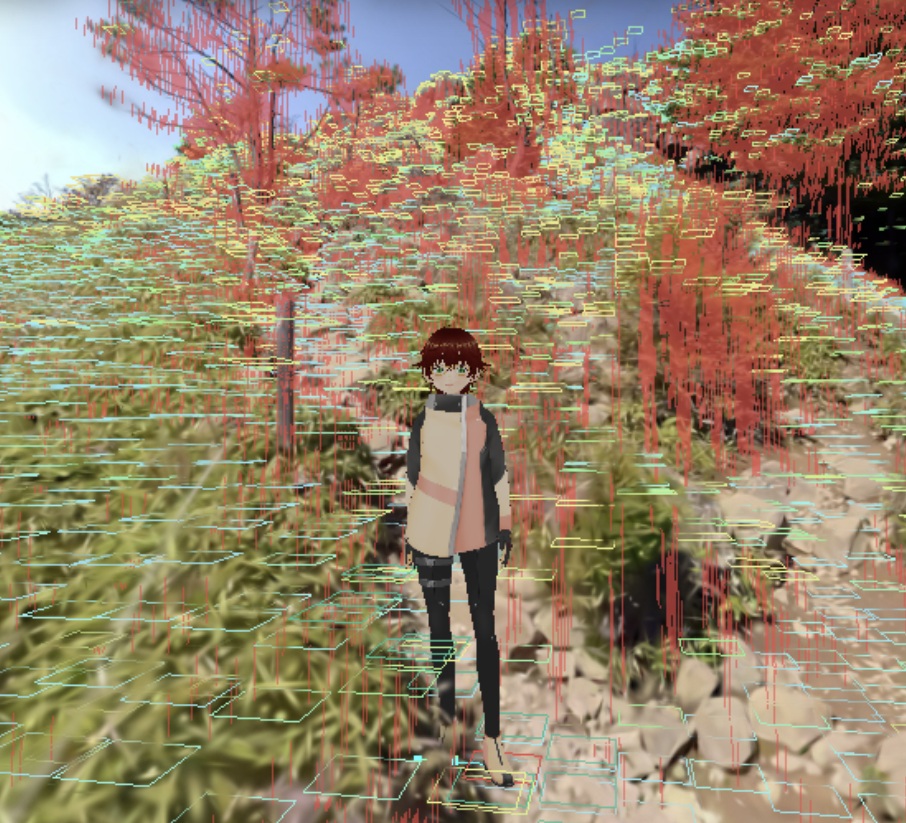
Visualize capture positions in 3D space. COLMAP data is shown as frustums; transforms.json converted from Metashape 360° ERP images is shown as spheres. Instantly see where each photo was taken.

🎨

Image Filters & Depth of Field

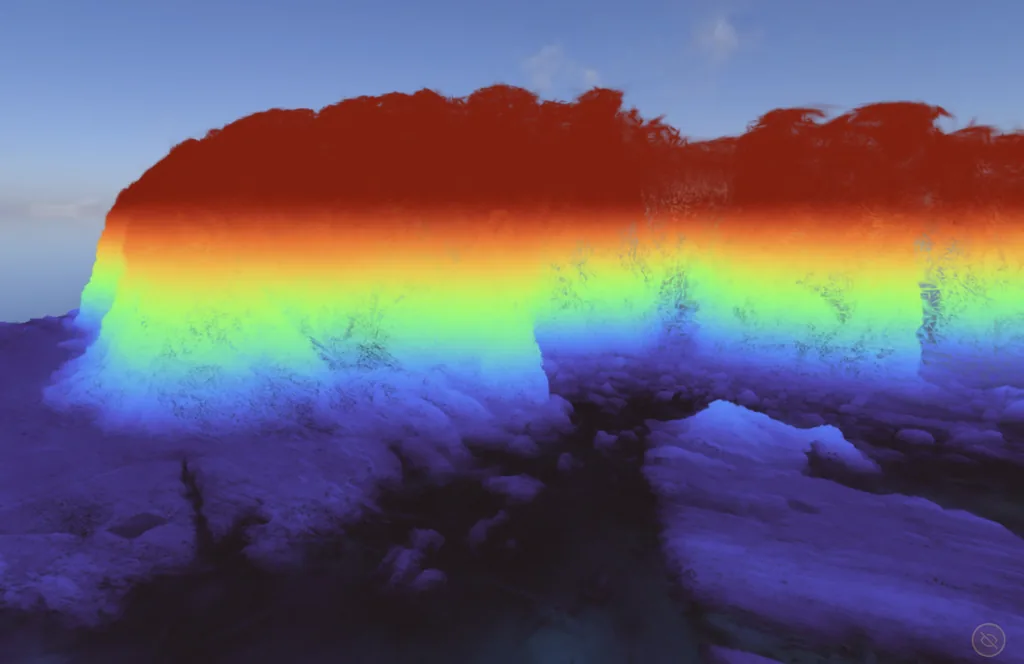
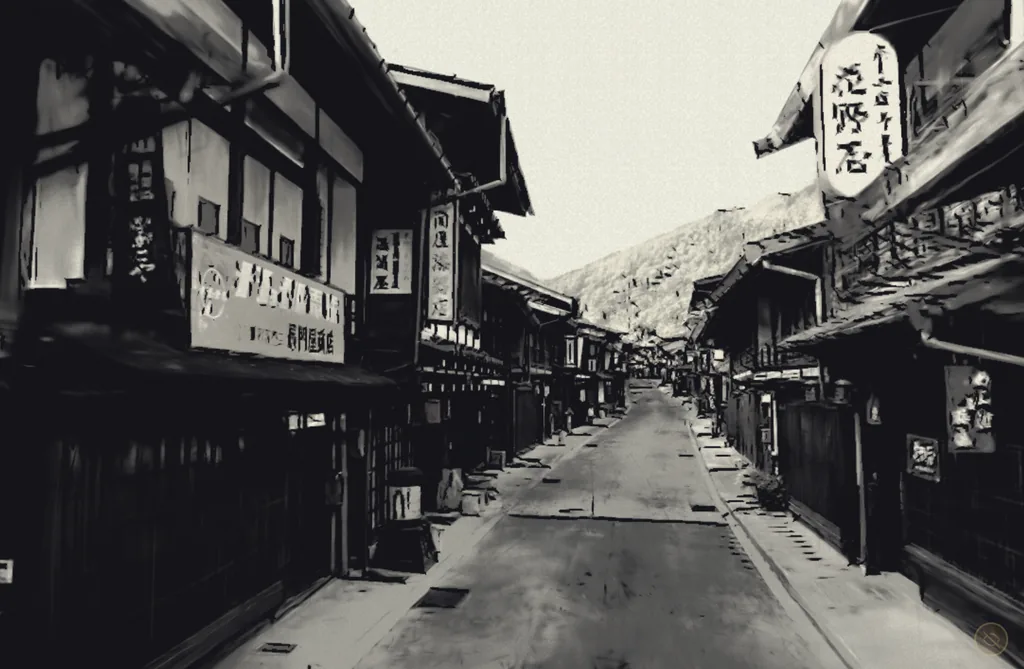
Transform scenes into anime-style visuals with the Kuwahara + posterization filter. Add cinematic bokeh with real-time Depth of Field (DoF).

Runs in the Browser

No installation needed. WebGPU-enabled browsers get GPU acceleration for extra speed. Falls back to CPU rendering when WebGPU is unavailable.

Sample Scenes

Try built-in 3DGS scenes right away. Click a card to launch the demo.

Tips

Handy tricks to get more out of SplatStroll Avatar.

Showing capture positions: You can visualize the capture positions of photos used to train a locally loaded 3DGS scene. Drop your COLMAP files (cameras.txt / images.txt) or a transforms.json to display capture positions in the scene. COLMAP data appears as frustums; ERP transforms.json appears as spheres. You can generate transforms.json from Metashape 360° camera data using the metashape_360_lfs script. Enable "Show photo positions" in the Camera menu and use the on/off toggle to show or hide them.
Capture position overlay example

Under the Hood

3D Gaussian Splatting × Autonomous Walking AI × Cinematic Camera — all running entirely in the browser.

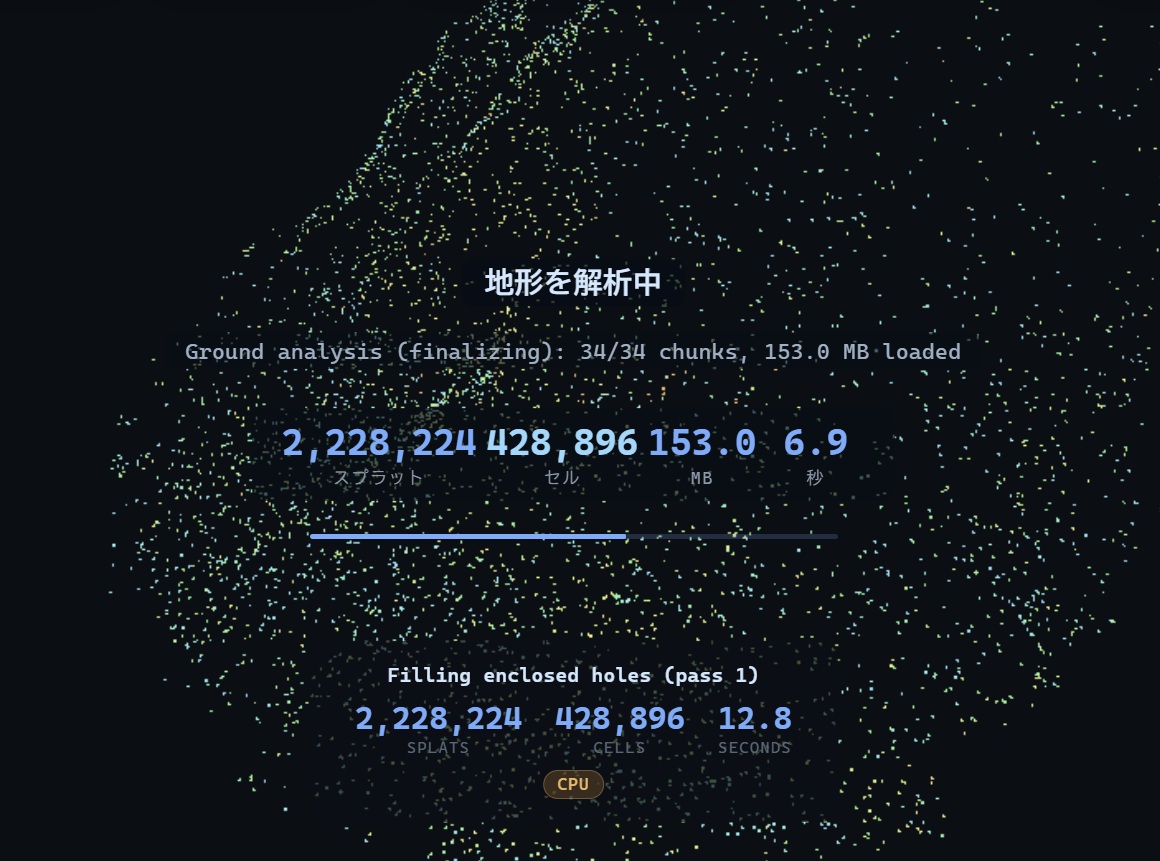
Terrain analysis of 3DGS point cloud data
Real-time terrain analysis of millions of splats in the browser
Analysis result — walkable area visualization
Avatar walks based on analysis results

System Requirements

All you need is a modern browser.

BrowserChrome 120+ / Edge 120+ (WebGPU supported)
GPU4 GB+ VRAM recommended
MobileTouch controls supported (performance varies by device)
* Devices with limited memory such as iPhones may not be able to display large scenes
3DGS Data.ply / .spz / .rad / .sog formats
AvatarVRM 0.x / 1.0 (.vrm)
* VRM 1.0 recommended
Laptop Users: GPU Configuration
Laptops often have both integrated and dedicated GPUs (NVIDIA). If the integrated GPU is being used, switch to the dedicated GPU:
  1. Open Settings → System → Display → Graphics
  2. Select Chrome from the app list (add via "Browse" if not listed)
  3. Choose Options → High performance and save
  4. Fully restart the browser

Ready to walk through your 3D space?

Try a sample scene or bring your own 3DGS data.
Just open your browser — a new 3D experience awaits.

Terms of Use

About This Service

This service is provided free of charge by Studio Duckbill LLC ("the Company") to allow the public to experience research and development results related to 3D Gaussian Splatting.

Warranty & Support

This service is provided "AS IS." No warranty or support is offered. The service may be modified or discontinued without prior notice.

Usage Rights

You may use this service free of charge to display your own 3DGS data and share the resulting visuals, regardless of whether the use is personal, corporate, or commercial.

Copyright

All content on this website (information, materials, images, audio, trademarks, designs, etc.) is owned by the Company and protected by copyright and other applicable laws. Reproduction, redistribution, modification, or reposting of this content without the Company's permission is prohibited.